August 8, 2026
"Talk mode" to transform Instagram into a shared viewing experience
inspired by Bilibili and Niconico. Comments flow across the screen,
allow users to experience content together instead of alone.
Problem: Watching short-form video is often a solitary experience,
and users might still feel lonely watching the video.
Solution: Talk Mode lets users switch from individual browsing to a shared viewing experience
with live flowing comments inspired by Niconico and Bilibili.
Design decision: the four-face icon represents entering a lively room full of people talking, reinforcing the
feeling of community.
Here are the "Toggle On" of the four-face icon along with other Instagram icons:

Here are the "Toggle Off":

Here in the video is how it looks like with "Talk Mode" when a video is playing, click below to access video:

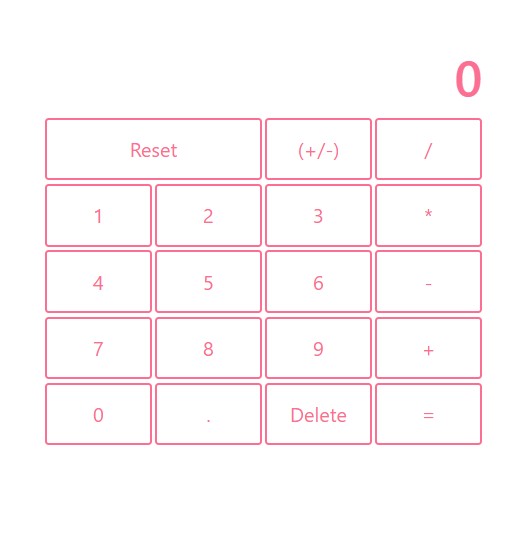
A Calculator I made, you can access the calculator by clicking: Here!!
Here's a screen shot of the calculator:
August 5, 2026
I just took another course from the same teacher, and this time we are making Gatefold card, I chose the topic picnic, and the theme I chose is Afternoon Escape, I made a series of items, I'll list them below:
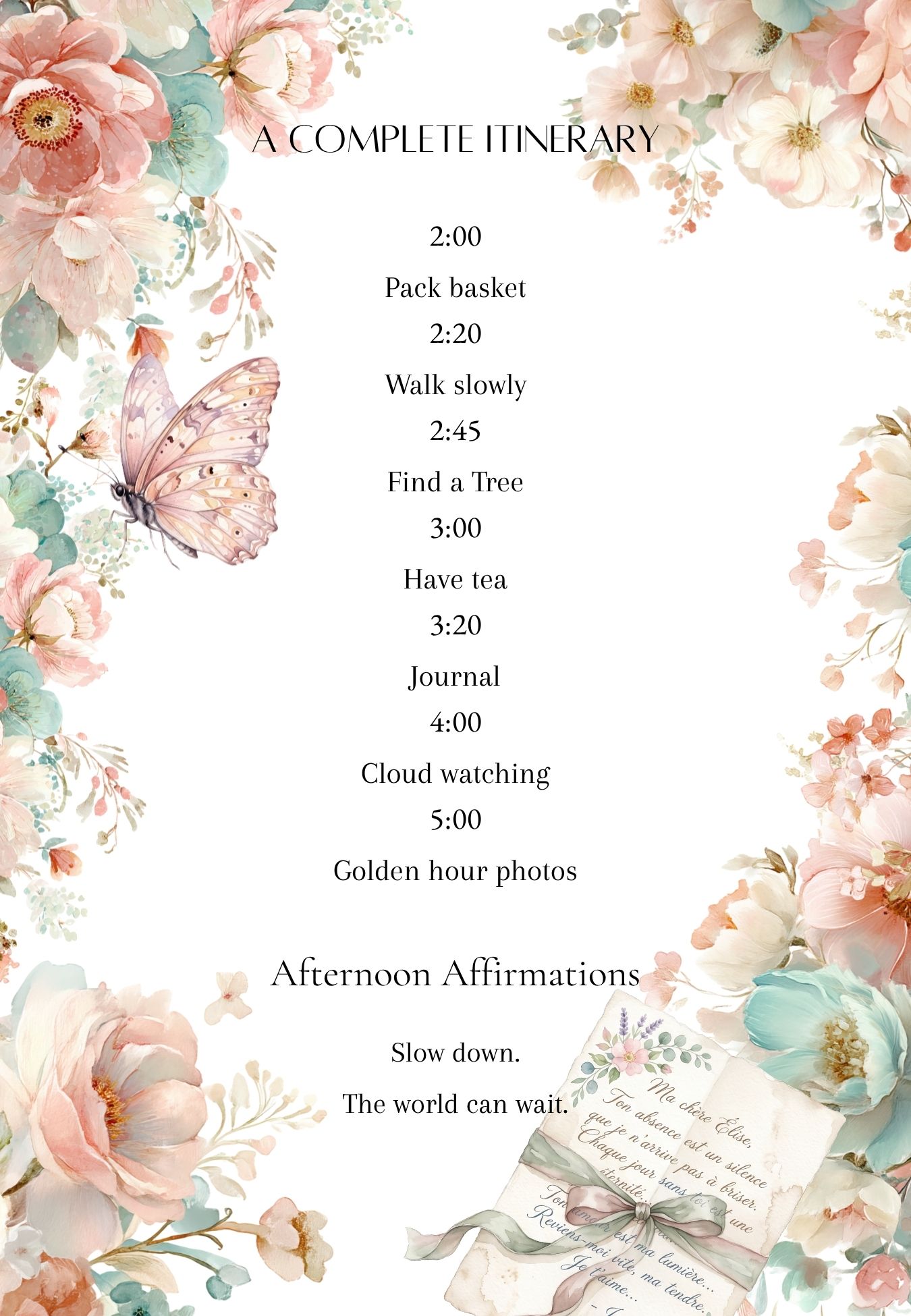
This is the front of the Gatefold card, I use it as itinerary, it's like a cozy schedule to guild you through the afternoon picnic:
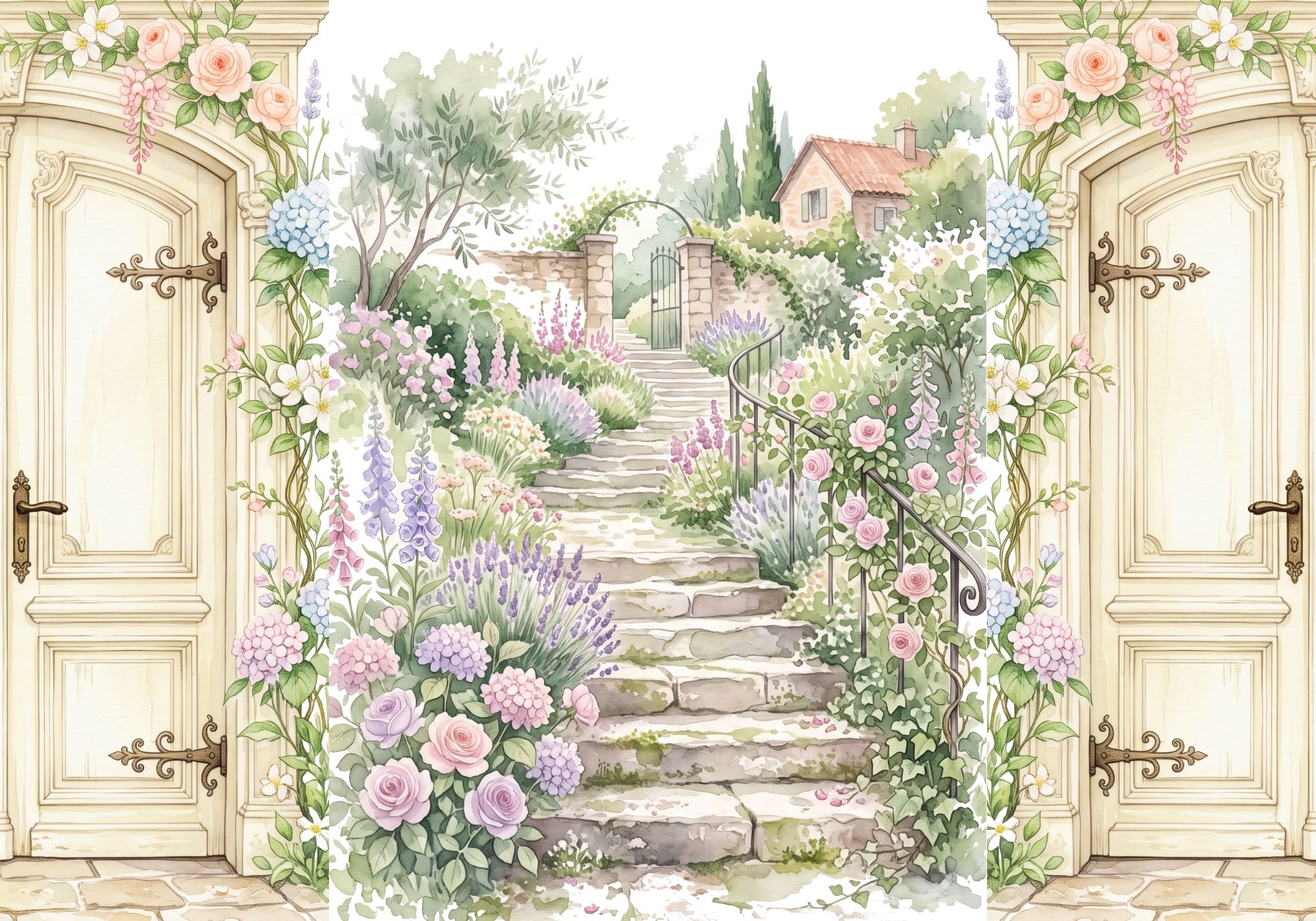
Then it is the back of the card, both sides fold to the front as a door:
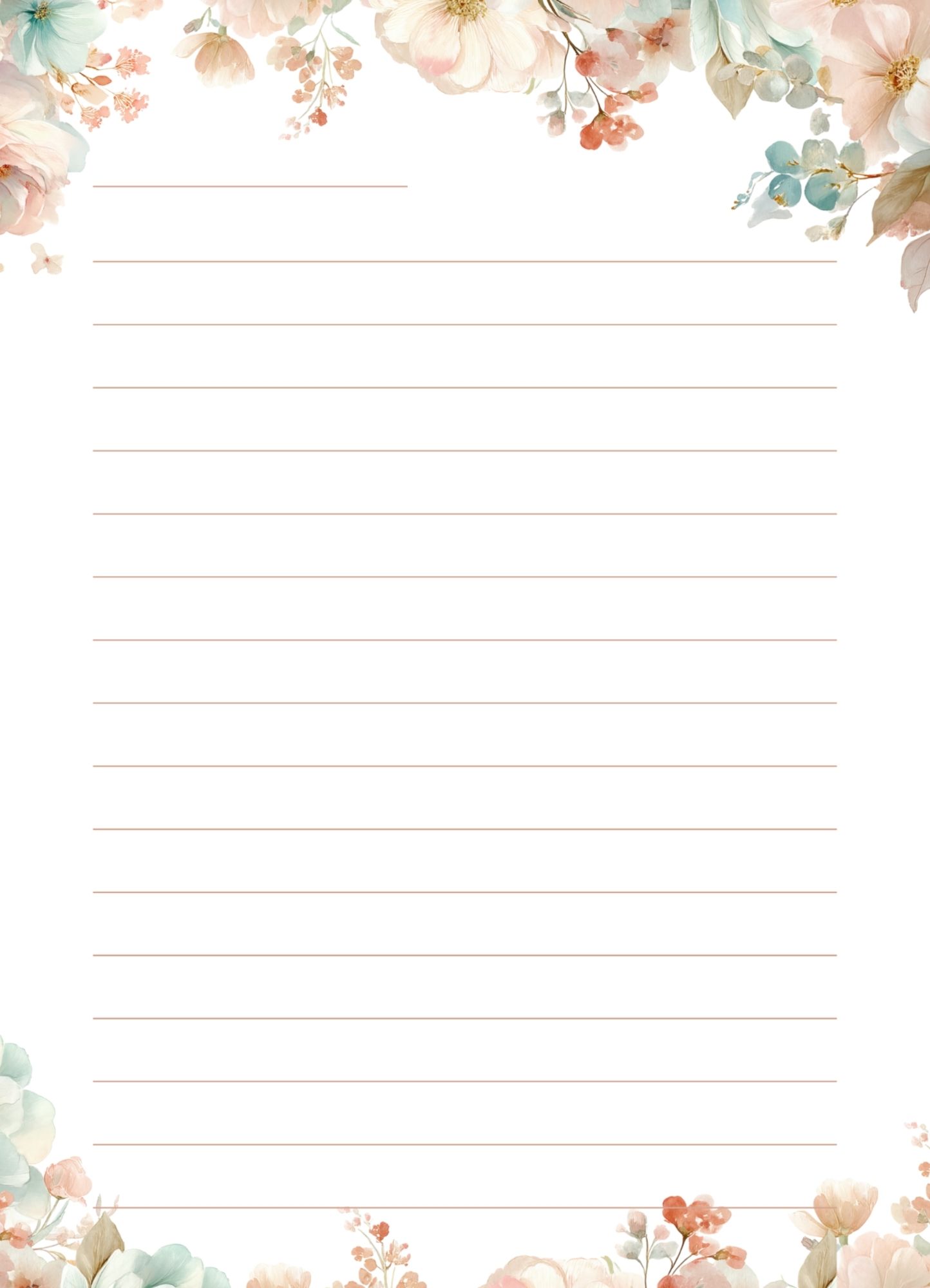
Then there is the journal page that you could write journal with at the picnic, imagine your self sitting under the tree writing this journal:
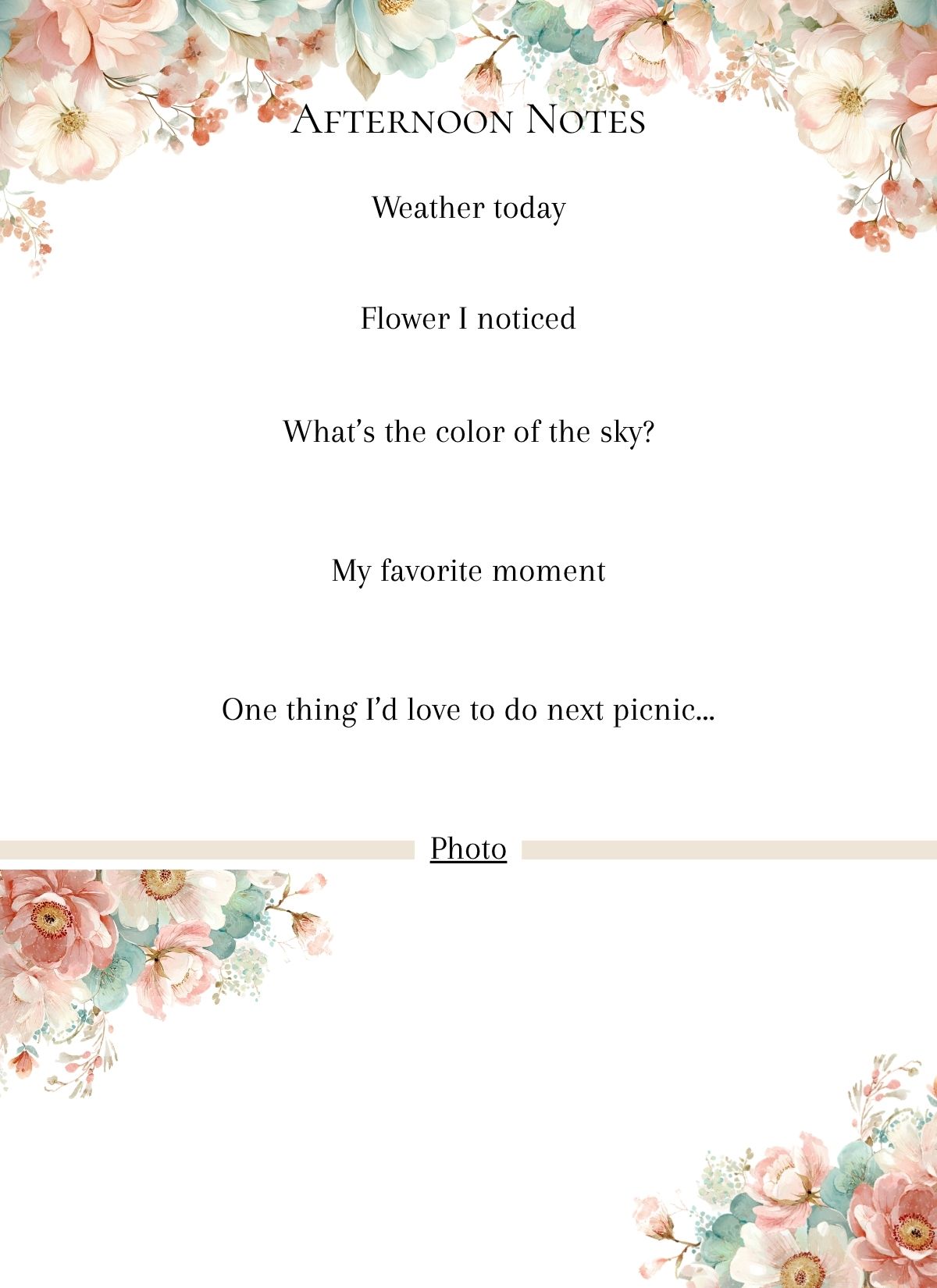
This is a reflection card to reflect on your experience at the picnic while you are sitting under the tree and cloud:
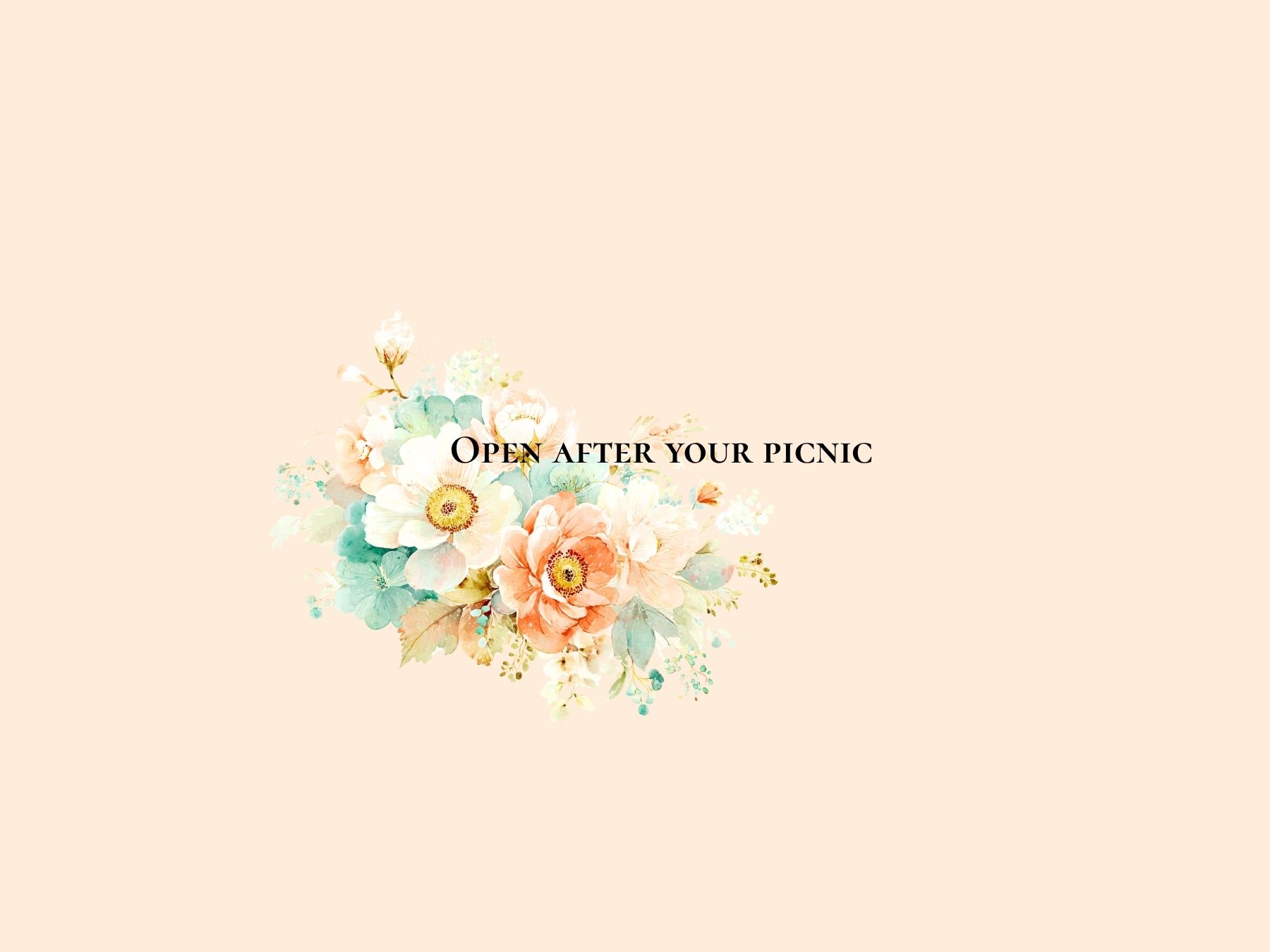
This is the envelop to put the Reflection card in:
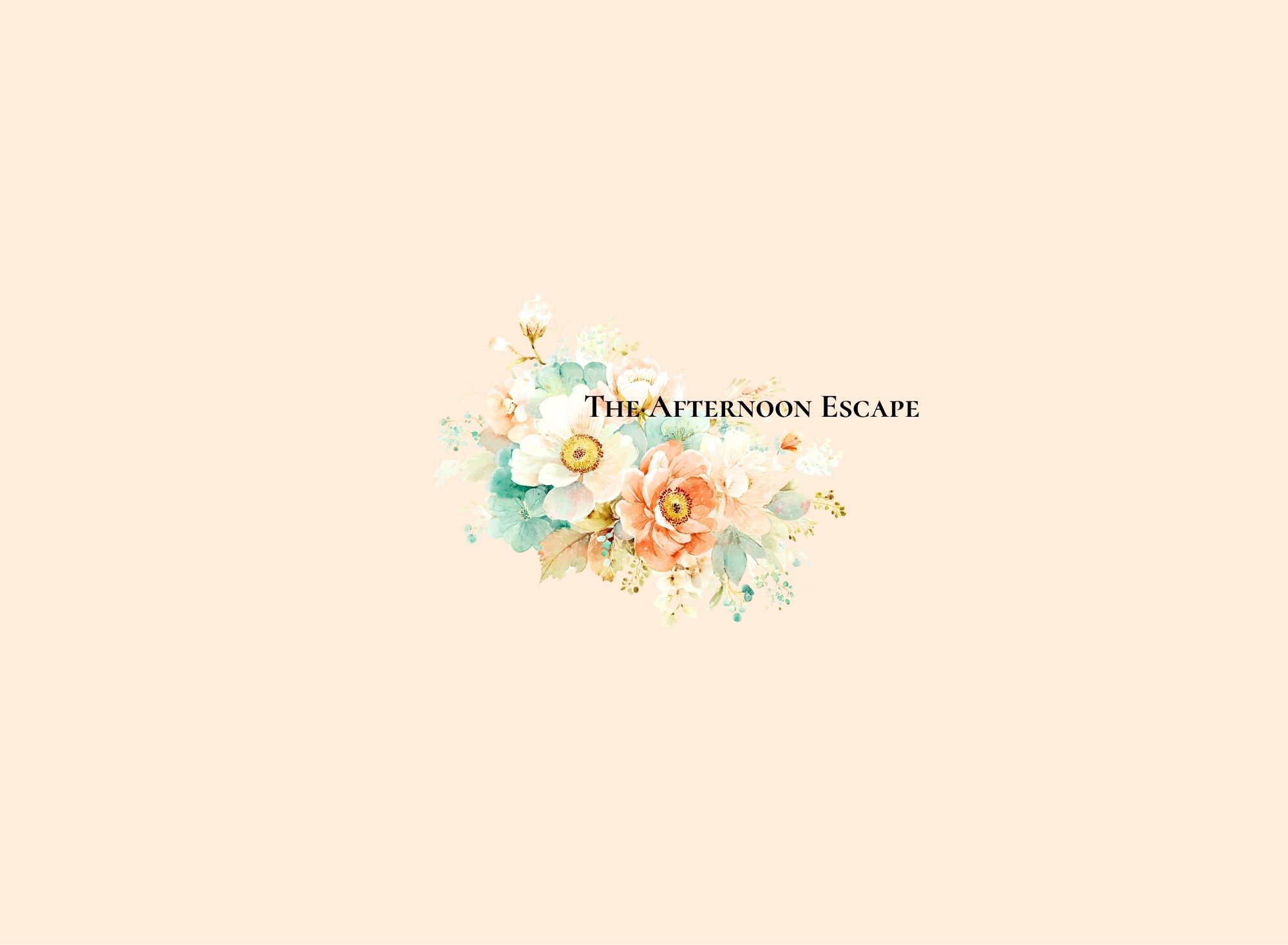
And this is the envelop to put everything inside and give it to the friend you think deserve an afternoon escape, or to yourself for a romantic afternoon by your self:
July 15, 2026
I just studies a course on making game package, I decided to choose the topic of camping, because I really like camper van and the idea of living in a van at camp-site and have campfire and eat S'more, so here is what I have so far:
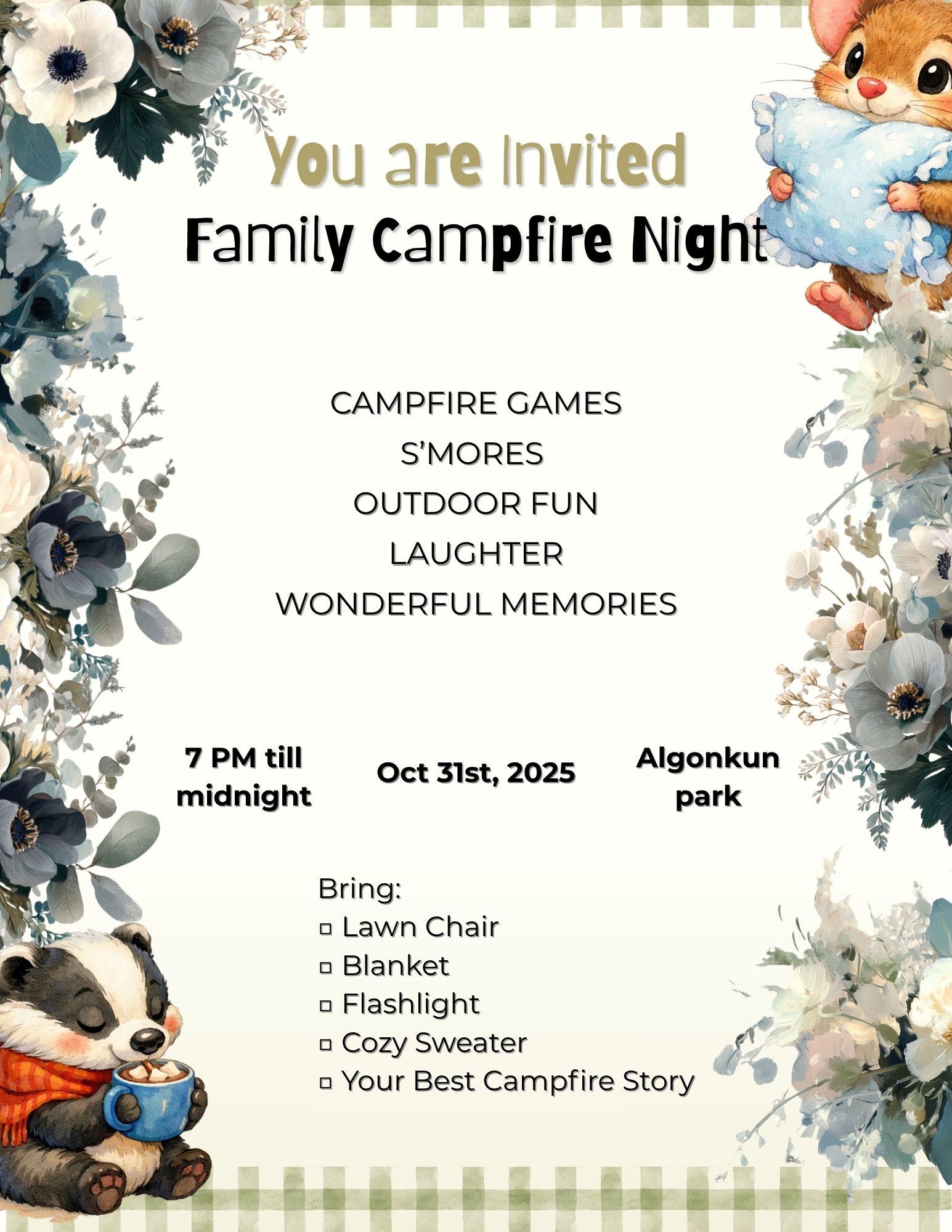
The invitation, where I bought some clip art and put together the invitation poster, it's not a complete success because invitations are suppose to be on A5 paper, but I put it on an A4, I'm unfamiliar with making invitations, but at least I learned, so here:
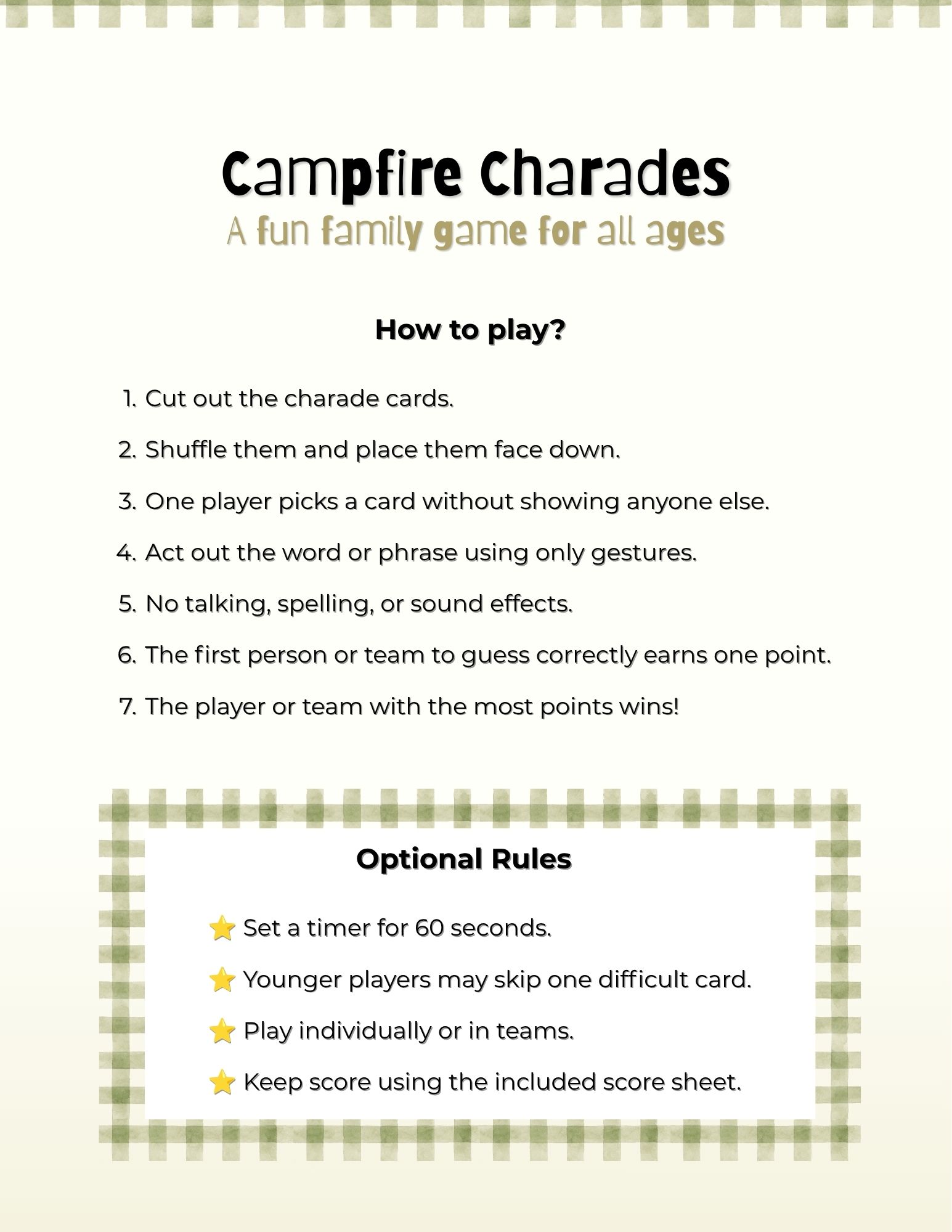
I decide to choose the game Charade, and here I explained the game rules:
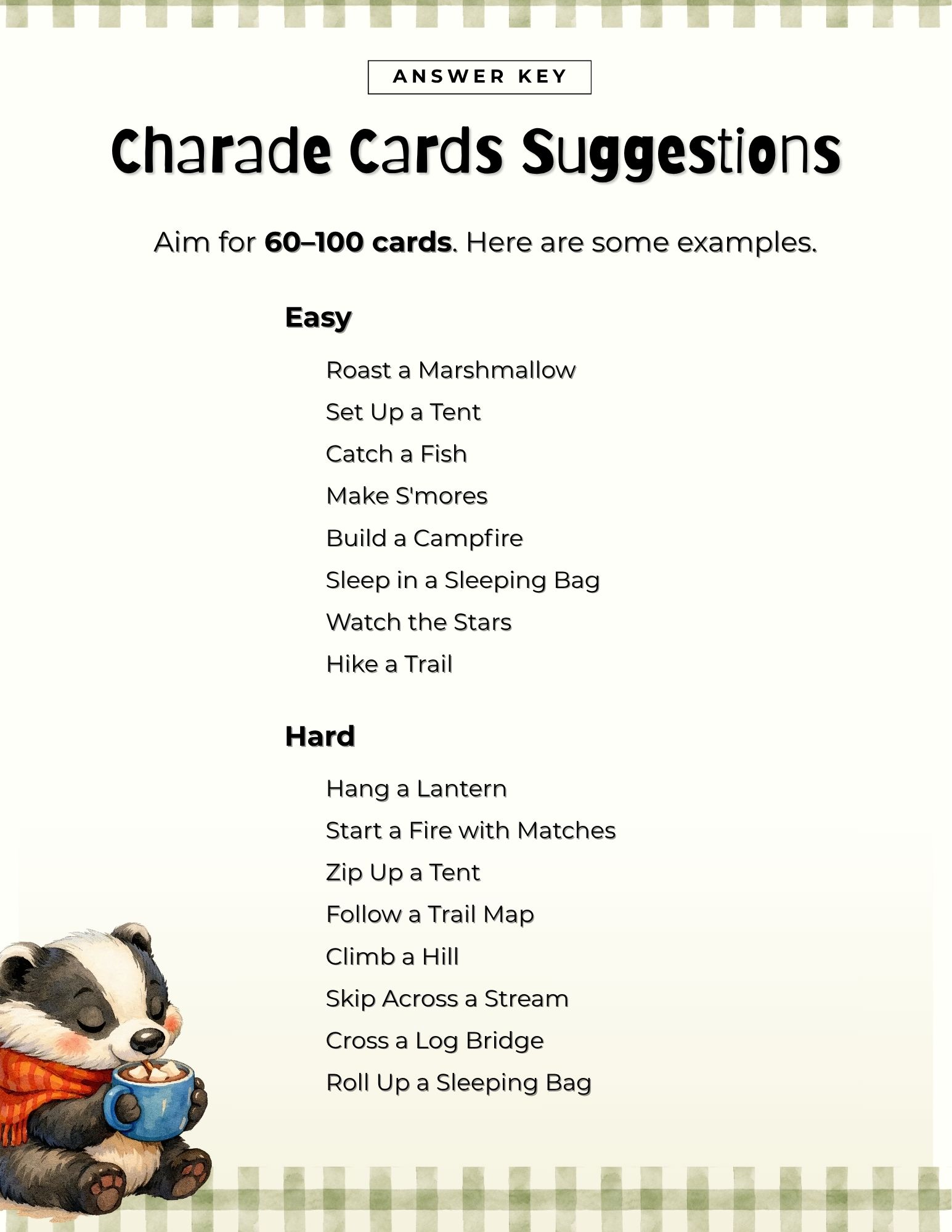
Here I organized the information on some words the Charade game can use:
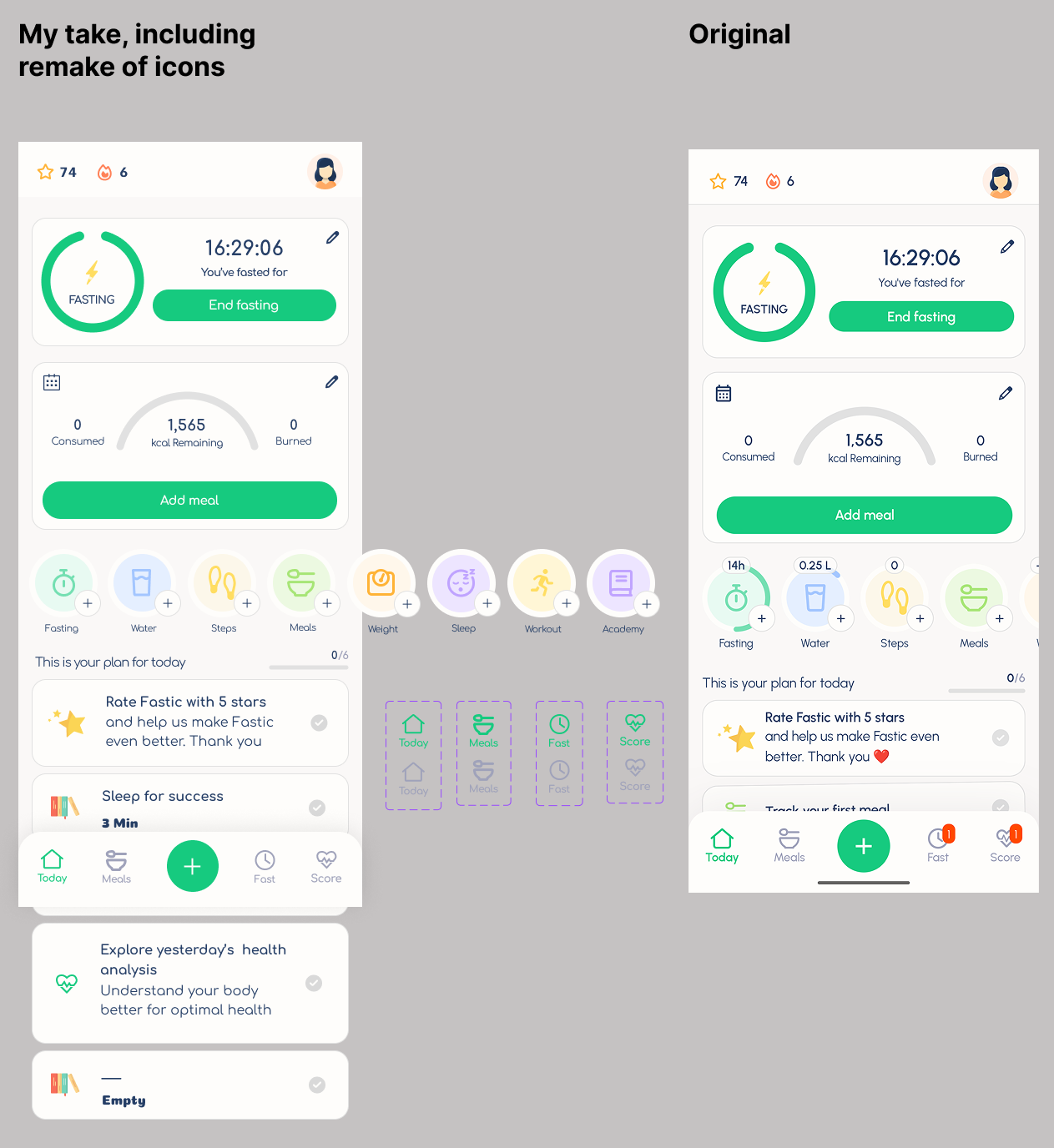
An unofficial UI replication study of the company Sezane and Fastic ( I do not own any part of the design, I just replicate them with digital tools)
Sezane icon study:
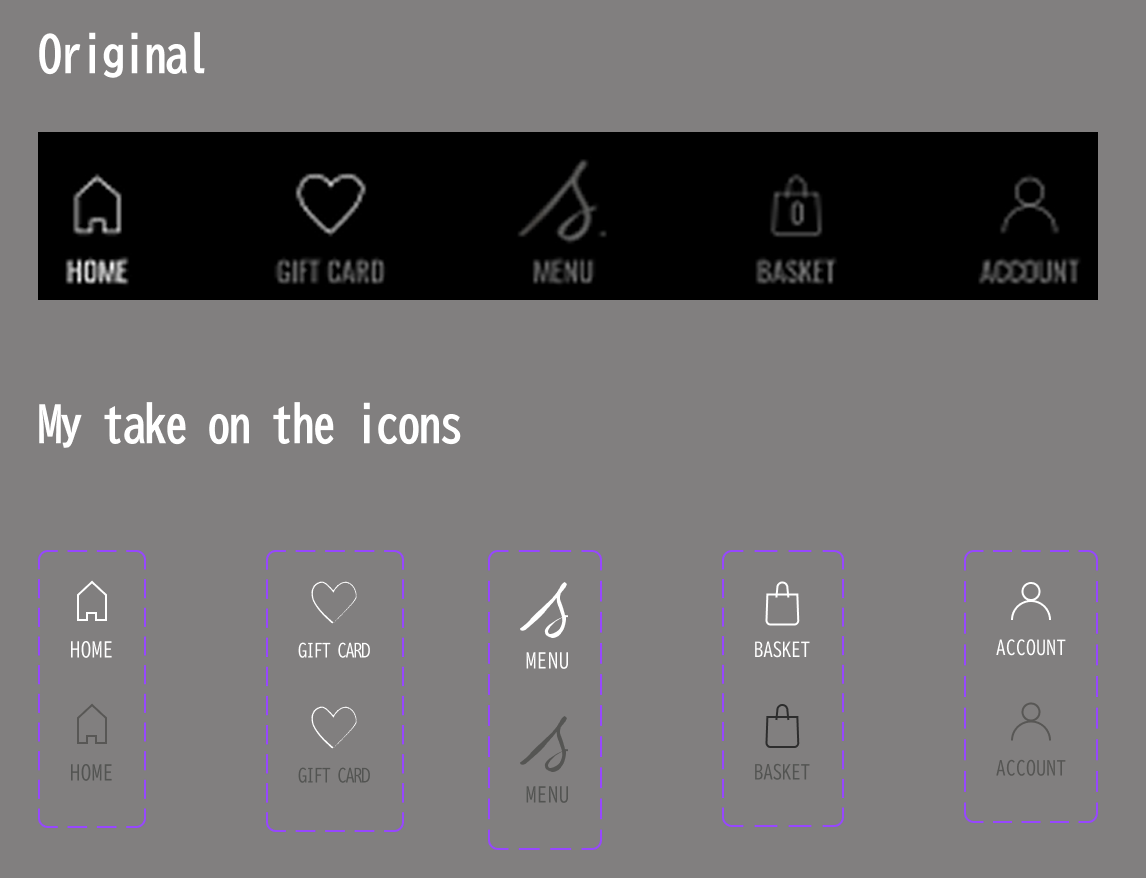
Fastic study, mostly study of icons and colour scheme, you can search up on it in Google app store, here is the original and my side by side:
A Figma project I did to learn the fundamentals of User Interface Design, you will need to use desktop to view it clearly.
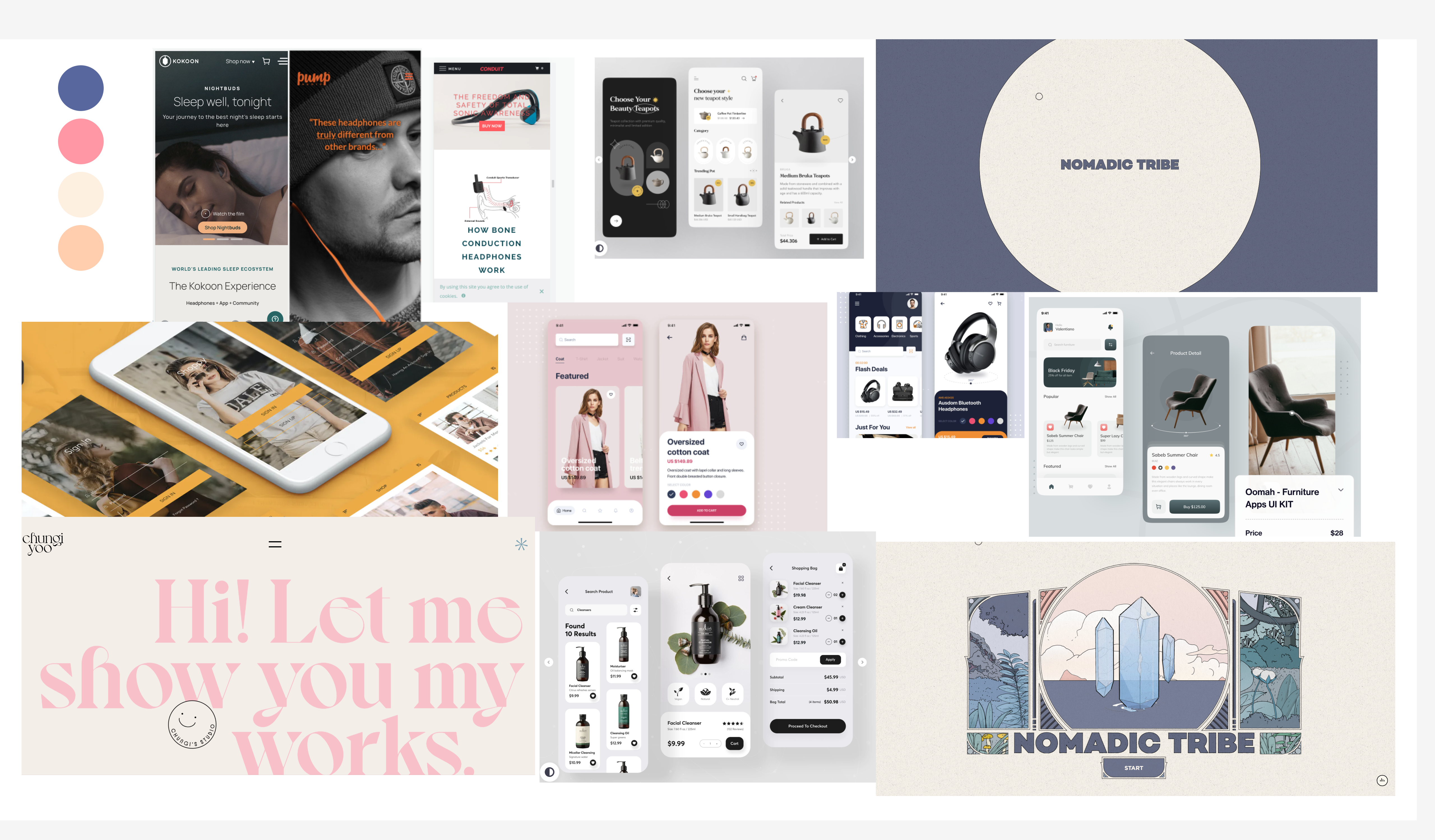
This is the references and the mood board I created before I started the project:
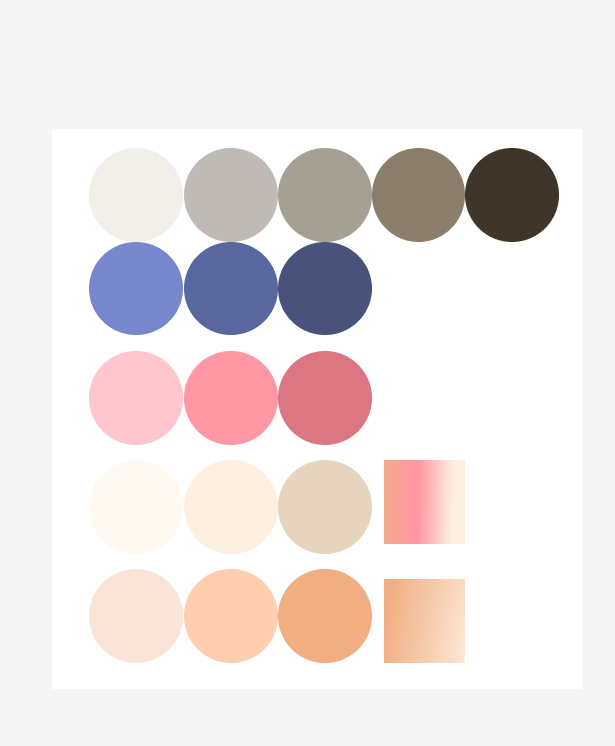
I then created the colour scheme I wanted to use for the project:
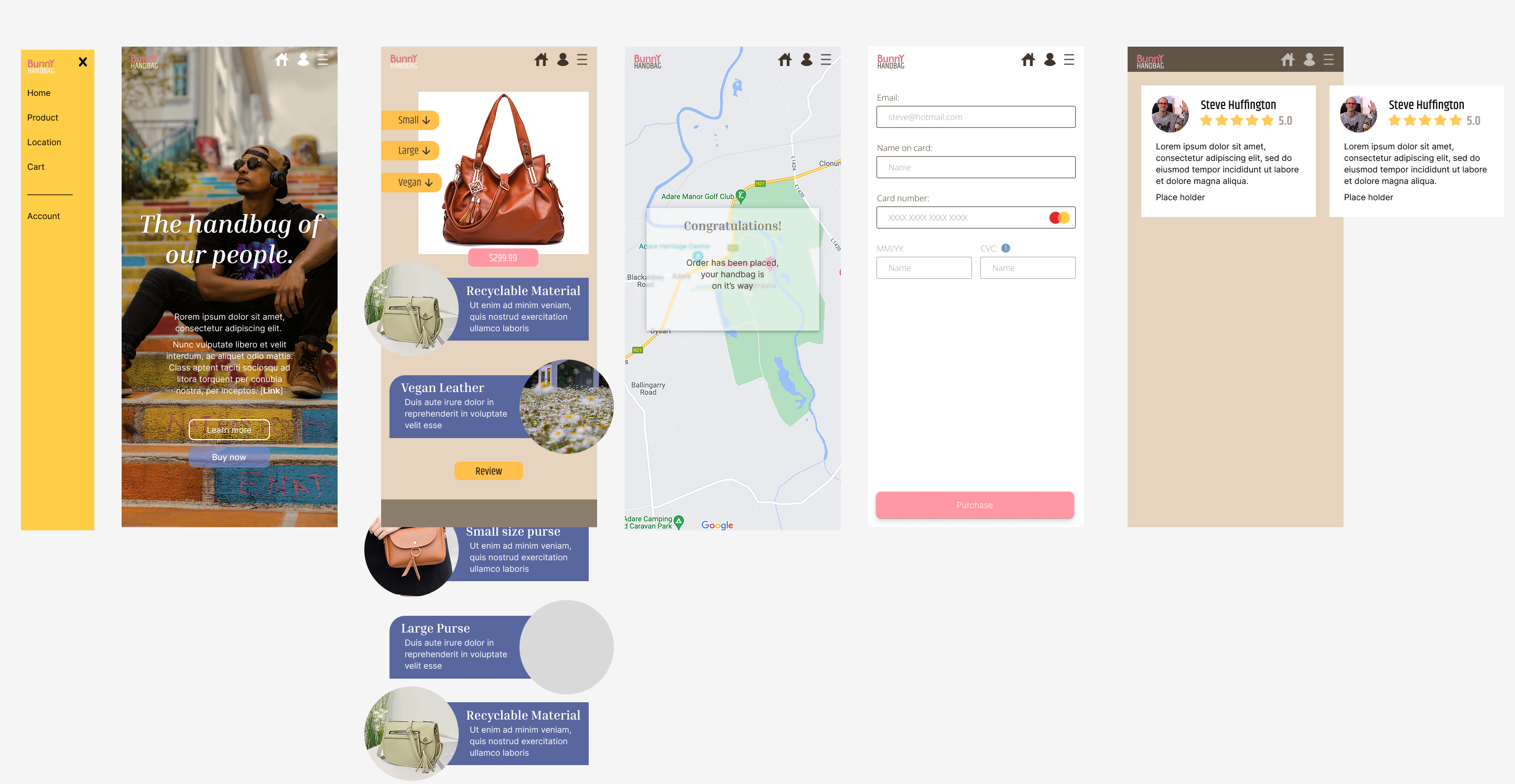
I begined with creating the pages for the mobile version:
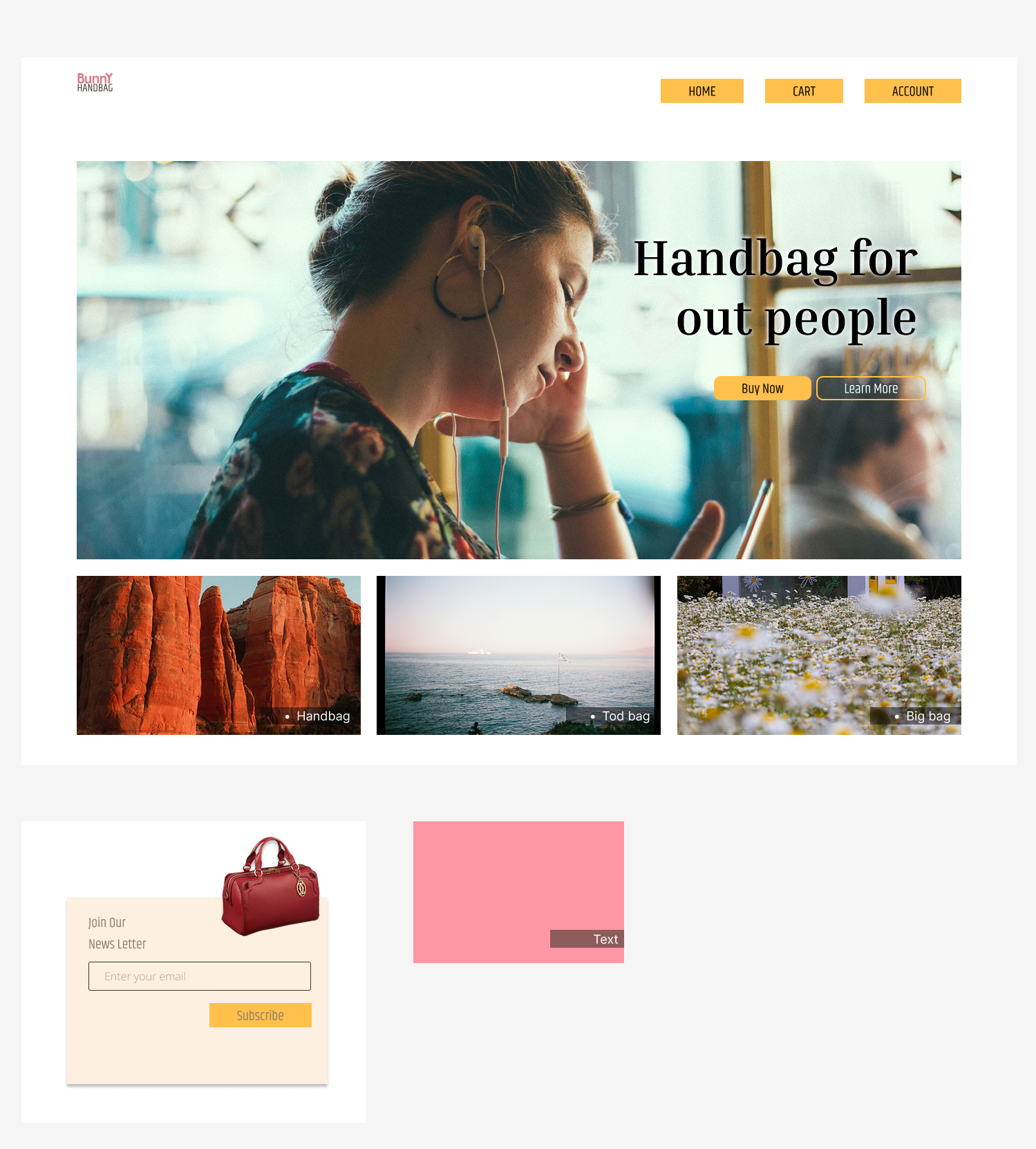
I then created the desktop version:
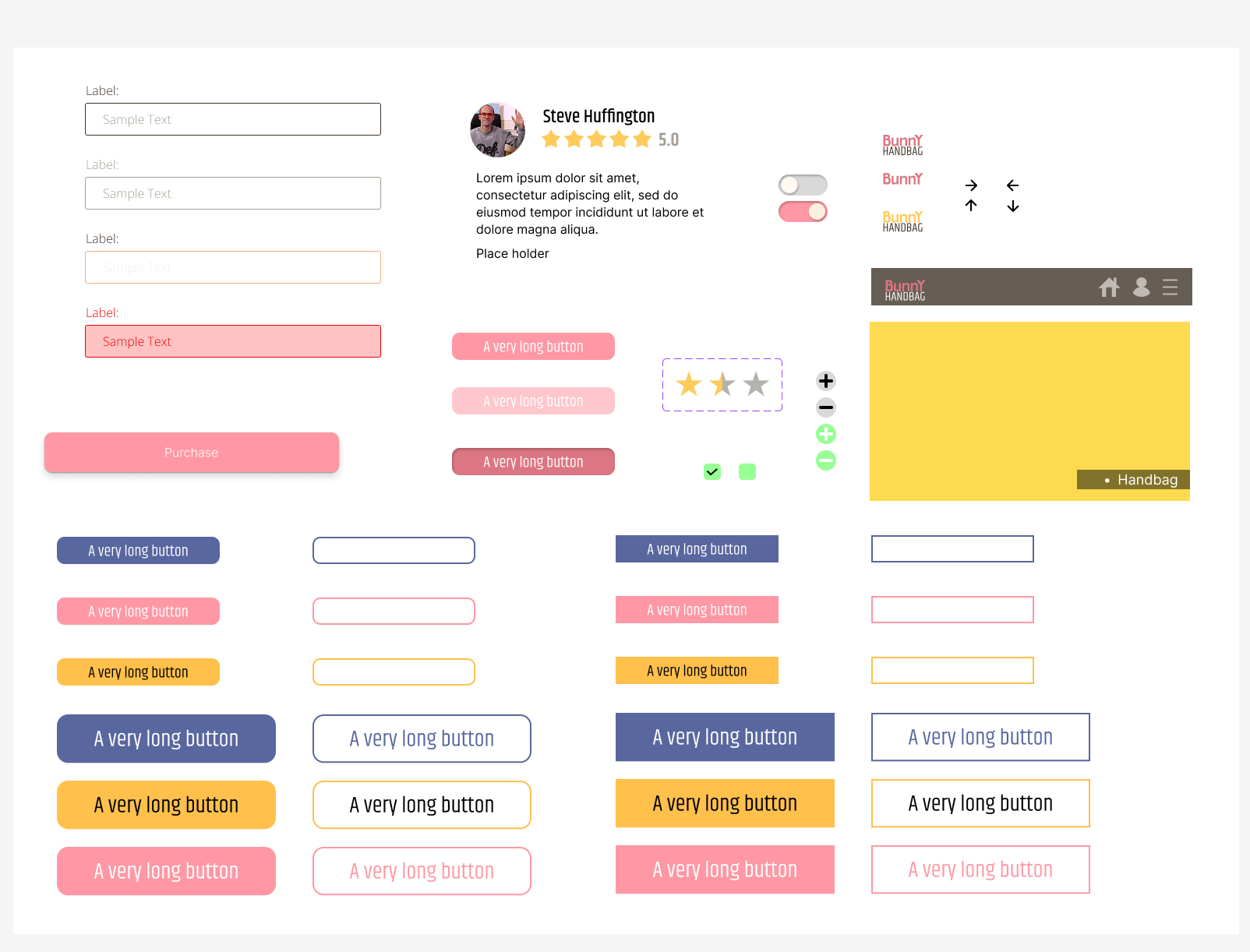
After the project I discovered I created all these buttons, so I gathered them together in case I need to use them again: